
Help & Support
PricingWhat's New — fixes & feature updates



















Tutorial Videos (40)
Getting Started
10 Second Summary
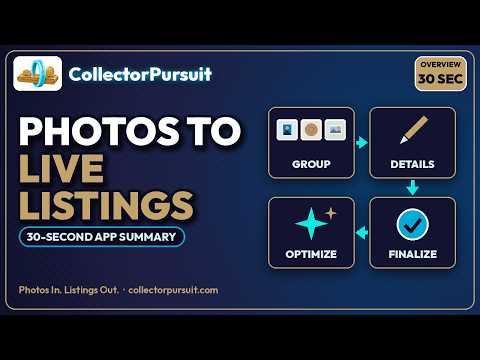
30 Second Summary
5 Minute Summary
Home Dashboard
Credits & Pricing
Settings
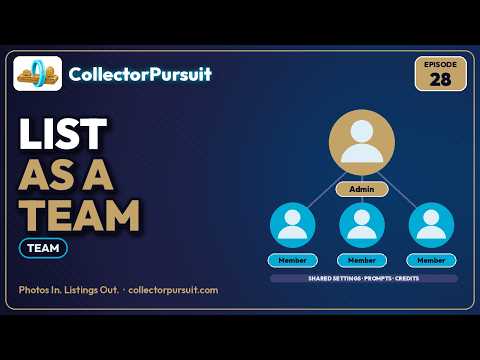
Team
Grouping Photos
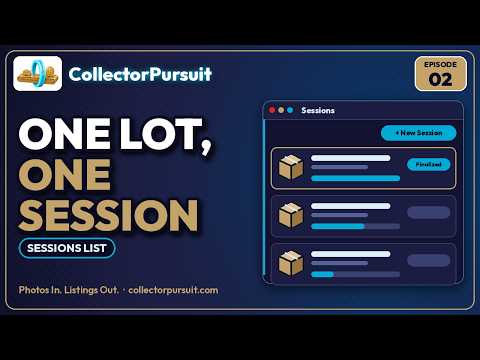
Sessions List
Grouper: Page Overview
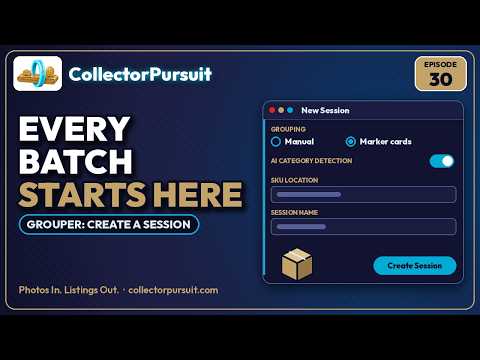
Grouper: Create a Session
Grouper: Upload & Group Photos
Grouper: Item Details Sidebar
Grouper: Crop, Rotate & Combine
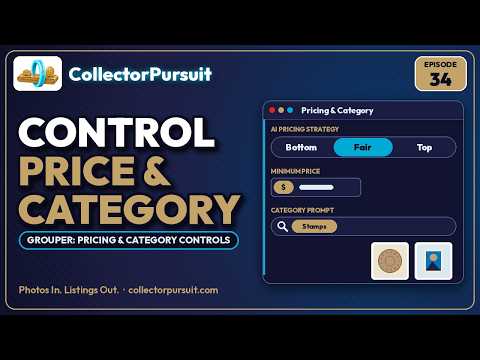
Grouper: Pricing & Category Controls
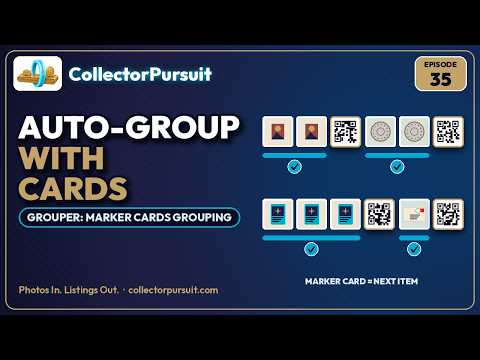
Grouper: Marker Cards Grouping
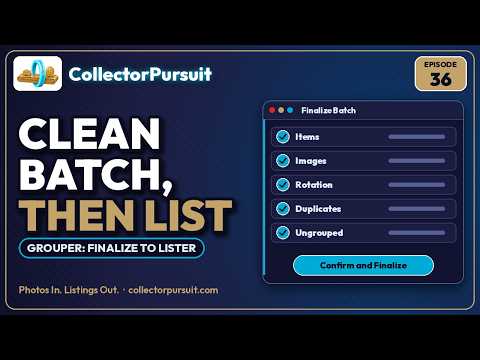
Grouper: Finalize to Lister
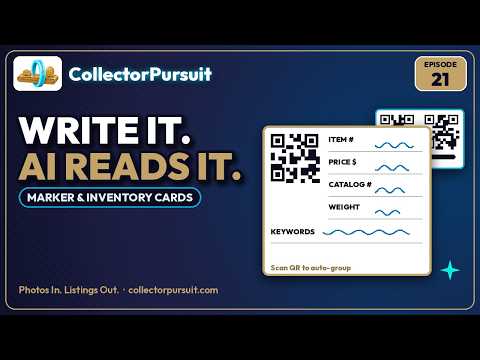
Marker & Inventory Cards
Listing & Publishing
Single Listing
Drafts
Monitor
Schedule
Listing History
AI Prompts Catalog
Managing Listings
Active Listings
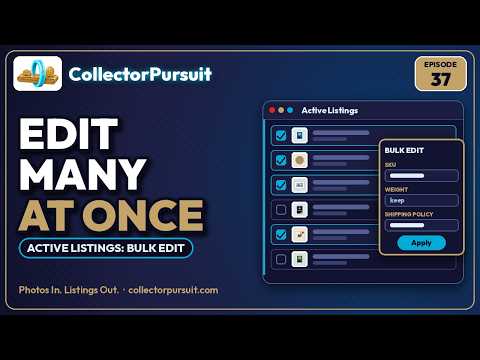
Active Listings: Bulk Edit
SKU Tools
Recovery Vault
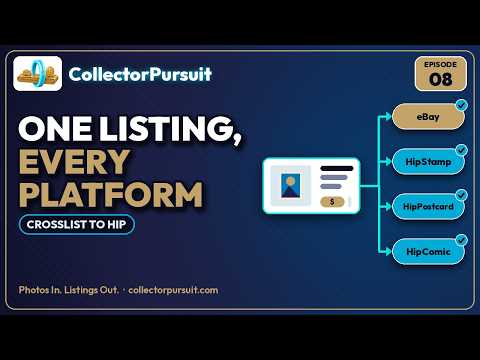
Crosslist to Hip
Marketplace Sync
Optimization
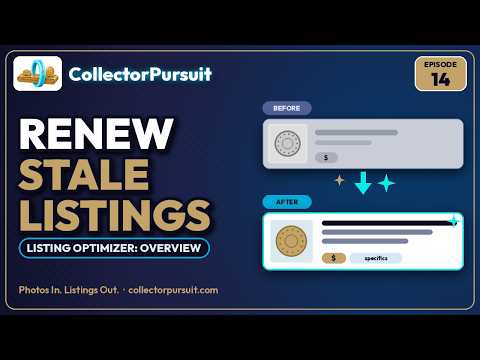
Listing Optimizer: Overview
Listing Optimizer: Optimize One Listing
Listing Optimizer: Batch Queues
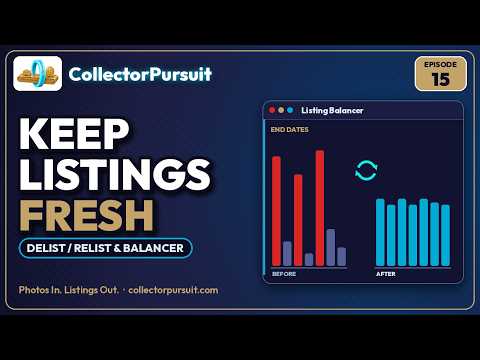
Delist / Relist & Balancer
Mismatches
Optimization Reports
Sourcing & Reports
Buy It or Not
Sourcing ROI
Item Sequence Report
Shipping
Shipping Labels
Shipping Rules
Frequently Asked Questions
Quick Tips
- • Keyboard shortcut: Press 1–9 in the Session Grouper to jump to that item number in the sidebar.
- • Batch end marker: Right-click an item in the sidebar to mark it as the batch end — useful for splitting large uploads.
- • Item metadata: Add catalog numbers, special notes, and price overrides per item in the sidebar before finalizing.
- • Shift items up: Use the ↑ shift button on any item to renumber all following items — handy when you forgot to leave a gap.
- • Draft mode first: Enable Draft Mode in Monitor for your first few batches to review AI output before items go live.
- • Daily cap: The default is 100/day weekdays, 200/day weekends. Override it from the Monitor page with a custom cap.